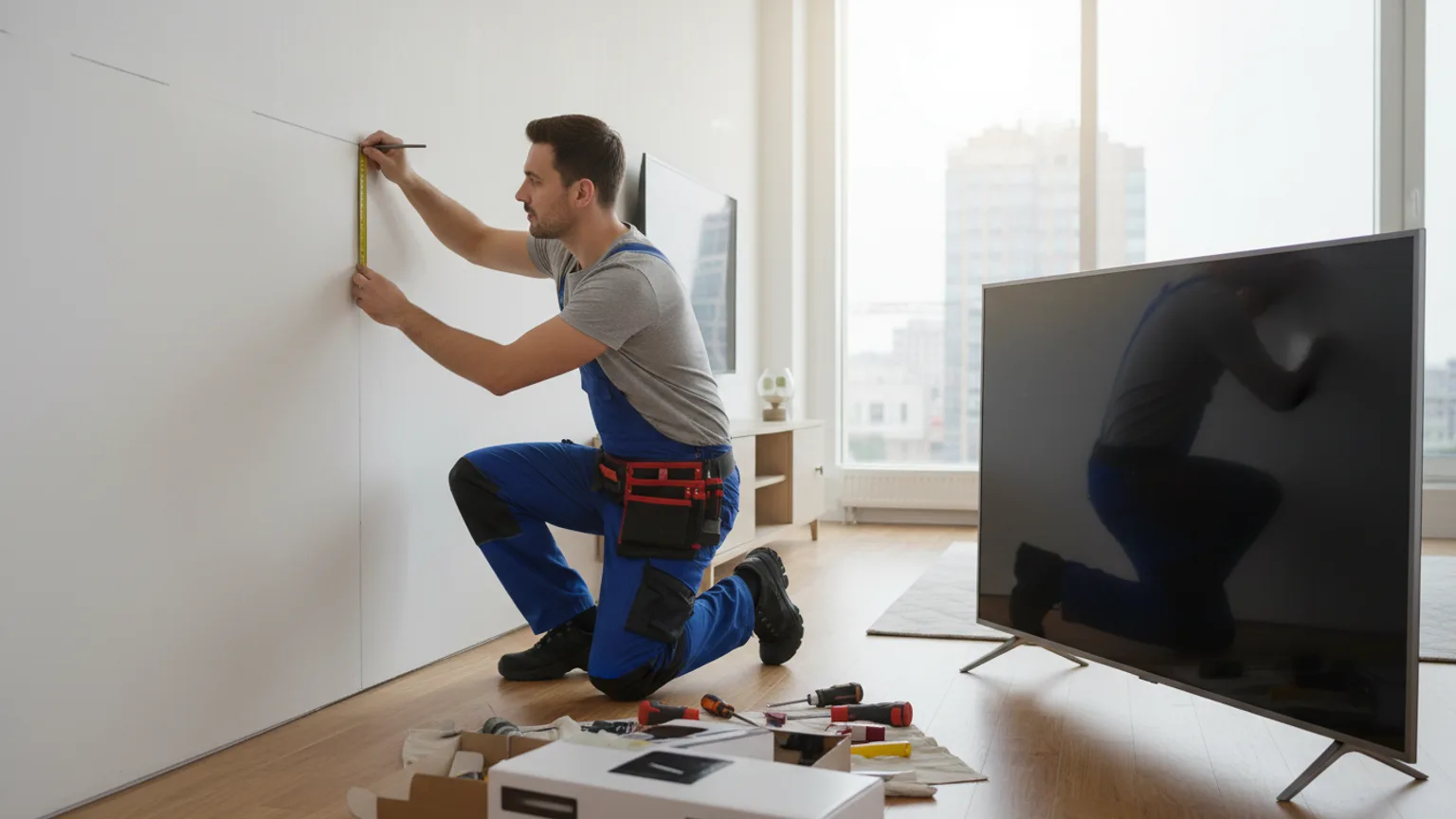
When mounting a TV on your wall, it is easy to focus on the drill and the bracket and forget about the bigger picture. Many people mount their TV and only realise afterwards that it is too high, too close, or facing the wrong direction. Taking a few minutes to think these things through before you start will save a lot of frustration.
Look at the viewing distance
The right viewing distance depends on your TV screen size. As a general rule, you should be sitting roughly 1.5 to 2.5 times the diagonal screen size away from the screen. For a 55-inch TV, that means sitting roughly 2 to 3.5 metres away.
Walk around your room and try different seating positions before deciding where to place the TV. If your sofa is fixed to a wall, the TV needs to go on the opposite wall. If your room is open-plan, think about which direction the TV will most often be watched from.
Determine the distance from the floor
The ideal mounting height puts the centre of the screen at eye level when you are seated in your normal viewing position. For most adults seated on a sofa, that is roughly 100 to 120cm from the floor to the centre of the screen.
Mounting too high forces you to look up, causing neck strain over long viewing sessions. Mounting too low can be awkward if you have young children on the floor. Do not rush this decision — mark the position with masking tape on the wall and sit in your usual spot to check before drilling anything.
Stay away from inconvenient locations
Avoid mounting directly opposite windows or glass doors. Natural light reflecting off the screen makes viewing uncomfortable, particularly in the afternoon. If a window wall is your only option, look at blackout blinds or a tilt bracket that lets you angle the screen away from the glare.
Be cautious about mounting above a working fireplace. The heat rising from a fire can damage electronics over time. If you must mount above a fireplace, ensure there is at least 15–20cm clearance above the fire opening, and consider switching to an electric fire that produces less direct heat upwards.
Use a strong wall
Before mounting, inspect the wall for cracks, signs of damp, or areas that sound hollow when knocked. The wall must be able to support the combined weight of the bracket and TV. Most brick and solid concrete walls are very suitable. Plasterboard walls require finding studs or using appropriate hollow-wall fixings — see our specialist plasterboard mounting guide for everything you need to know.
Take care of the cables
Wall-mounted TVs look great until you see a bundle of cables hanging down the wall. Before mounting, think about where your power socket is, where your aerial or satellite feed runs, and how you will connect your Sky box, soundbar, or gaming console.
Your options are: running cables inside the wall (cleanest result, best on plasterboard), using surface trunking fixed to the wall (neat and affordable), or using cable ties to gather cables together at the back of the TV. Plan your cable routing before drilling, not after.
Select the correct bracket for your viewing needs
There are four main bracket types, each suited to different situations:
- Fixed (flat) brackets — TV sits flush to the wall. Best when you always watch from the same position directly in front.
- Tilt brackets — Allow you to angle the screen downward. Useful when mounting above eye level, such as above a fireplace.
- Swivel brackets — Turn left and right. Good for corner rooms or open-plan spaces where you watch from different angles.
- Full motion brackets — Extend, tilt, and swivel. Maximum flexibility. Good for large rooms with multiple seating positions.
Not sure which is right? Get in touch — we advise on the best bracket for your room before each installation.
Gather the appropriate tools
If you are doing this yourself, you will need: a drill, masonry or wood bits (depending on wall type), a stud finder (for plasterboard), a spirit level, a screwdriver, and the correct fixings for your wall. For most people, the safer and faster option is to book a professional — we bring everything and often complete the job in around an hour.
FAQ
What is the ideal height to mount a TV?+
Mount the centre of the screen at roughly 100–110cm from the floor — this places it at seated eye level for most adults on a standard sofa. Mounting too high is the most common mistake and causes neck strain during longer viewing sessions. Mark the intended position with masking tape and check it from your usual seat before drilling anything.
Can I mount a TV on a plasterboard wall?+
Yes — plasterboard is the most common wall type in UK homes, and we mount TVs on them regularly. The key is using the correct fixings: mounting into timber studs wherever possible, or using rated hollow-wall anchors such as molly bolts or toggle bolts where studs are not accessible. See our detailed guide to TV mounting on plasterboard for more.
Do you supply the bracket, or do I need to buy one?+
If you’d like a bracket, we add the right one to your quote — or we can fit one you supply yourself. We select the correct type and VESA size for your TV model, wall type, and viewing habits before each installation. You do not need to source or purchase anything — just tell us your TV size and we handle the rest.
How long does a TV mounting job take?+
Most standard installations — bracket on a normal wall with a basic cable tidy — take between 45 and 90 minutes. Jobs with in-wall cable hiding or multiple devices such as a soundbar or Sky box may take up to 2 hours.
Is there anything I need to do to prepare before the installation?+
Clear the area around where the TV will go and have a rough idea of your preferred viewing height. We take care of the rest — wall assessment, tools and fixings, bracket selection, and tidy-up afterwards.
Ready to book? Get a free estimate — we cover London and the wider South East. See our full TV installation and mounting servicefor everything that's included.