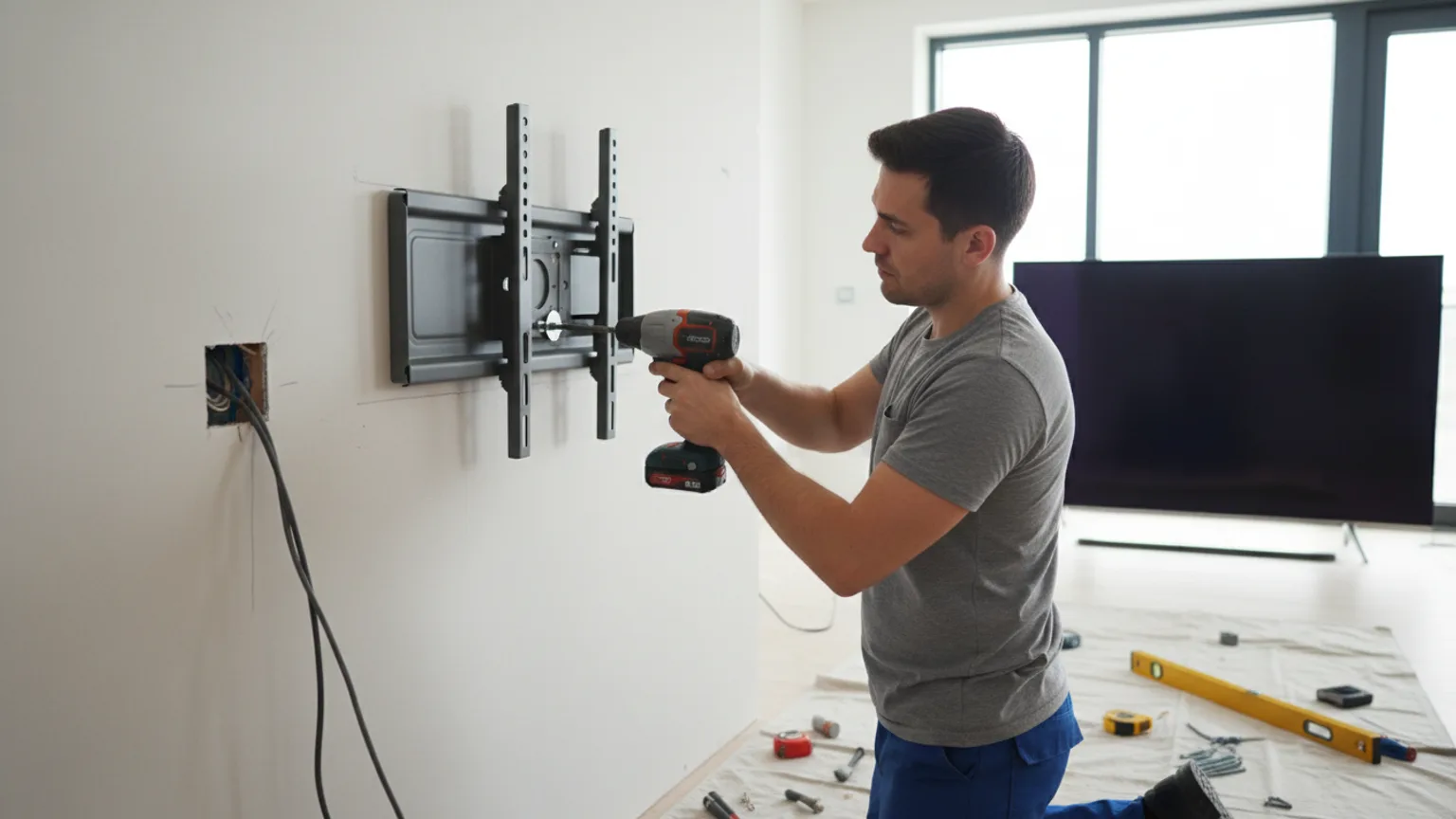
Mounting a TV on a plasterboard wall is one of our most common jobs. The vast majority of modern UK homes have plasterboard partition walls, and with the right approach it is straightforward to achieve a safe, secure, and clean result. This guide walks through the full process. For a full specialist overview of what is involved, see our TV mounting on plasterboard service page.
Tools and equipment you will need
- A flat-screen TV
- A wall mount bracket matching your TV's VESA size (check the TV manual for VESA dimensions)
- A drill with wood and masonry bits
- A stud finder
- A spirit level
- Screwdriver and wrench
- Masking tape (for marking)
- Cable trunking or conduit if you plan to manage cables
Step 1 — Find the studs
Run the stud finder slowly along the wall at roughly the height you plan to mount the TV. Mark each stud edge and the centre with masking tape. In UK properties, studs are typically 400mm or 600mm apart. If the stud positions do not align with your bracket fixing points, see the section below on mounting without studs.
Step 2 — Mark the bracket position
Hold the wall mount bracket against the wall at your desired height, aligning the fixing holes with the stud positions you marked. Use a pencil or masking tape to mark the exact hole positions. Having a second person hold the bracket level makes this much easier.
Step 3 — Level the bracket
Place a spirit level on the bracket or on your pencil marks. Adjust until the bubble sits perfectly centred. A television mounted even slightly off-level is immediately noticeable, so take your time here. You can also use a laser level if you have one — they make this step very quick.
Step 4 — Drill and fix the bracket to the wall
Drill pilot holes at your marked positions using the appropriate bit for the stud material (usually timber). Insert the wall plugs if required, position the bracket, and secure it with the provided screws and washers. Tighten firmly — the bracket should not move at all when you apply lateral pressure to it.
Step 5 — Attach the TV arms to the TV
Most brackets consist of a wall plate and a separate set of arms that attach to the back of the TV. Check the VESA dimensions match, then attach the TV arms using the screws and washers supplied with the bracket. Tighten firmly but do not overtighten on plastic screw holes.
Step 6 — Hang the TV on the wall
For TVs over 40 inches, have a second person help with this step — the TV needs to be lifted and lowered onto the wall plate precisely. Once seated, check it is secure and level. Connect your cables before positioning the TV close to the wall if cable access is limited.
Mounting without studs
If you cannot position the bracket to hit studs, or if your stud positions simply do not align with the bracket fixing points, you have three reliable options. See our full guide to mounting a TV without studs for detailed advice on each method. Plasterboard installs across London are a regular job for the Mount TV in-house team — every fixing is sized to the load on the day, never assumed from the TV size alone.
Toggle bolts
Toggle bolts have a butterfly-style toggle that is compressed for insertion through a drilled hole, then springs open behind the plasterboard. Once tightened, the toggle grips the back of the board very firmly. They carry strong published load ratings (check the packaging for your specific anchor) and are one of the most reliable hollow-wall fixings available.
Molly bolts
Similar in principle to toggle bolts, molly bolts use a two-part sleeve that expands when tightened. The metal wings fan out behind the plasterboard and create a very strong fixing point. Available in sizes to suit different plasterboard thicknesses.
Mounting plates
A large mounting plate spans across multiple stud bays and distributes the load across a much wider area of the wall. The plate can often be concealed behind the TV bracket for a clean finish. This is particularly useful for large, heavy TVs where you cannot find enough studs.
FAQ
How long does it take to mount a TV on a plasterboard wall?+
A standard plasterboard installation — bracket fixed to studs, basic cable tidy — takes 45 to 90 minutes. Adding in-wall cable hiding or a second device such as a soundbar may add 30–60 minutes to the total.
What drill bit do I need for plasterboard studs?+
For timber studs (most common in UK homes), use a standard wood drill bit. For metal studs (common in new builds and commercial properties), use an HSS metal drill bit. If you are unsure of your stud type, a professional will identify it before drilling.
What if the bracket fixing points do not line up with the studs?+
We use heavy-duty rated hollow-wall fixings — molly bolts or toggle bolts — each rated well above the TV weight. For very large or heavy TVs, a mounting plate spanning multiple stud bays distributes the load safely across a wider wall area.
Is it worth doing this myself or should I book a professional?+
Professional installation removes the guesswork around fixings, stud-finding, and levelling. We complete plasterboard TV mounting jobs regularly, bring all necessary tools and fixings, and tidy the area before we leave. Most jobs are completed in around 60–90 minutes.
We complete plasterboard TV mounting jobs regularly across London and Essex. We bring the correct fixings, assess your wall before drilling, and tidy the area before leaving. Get a free quote in 60 seconds.