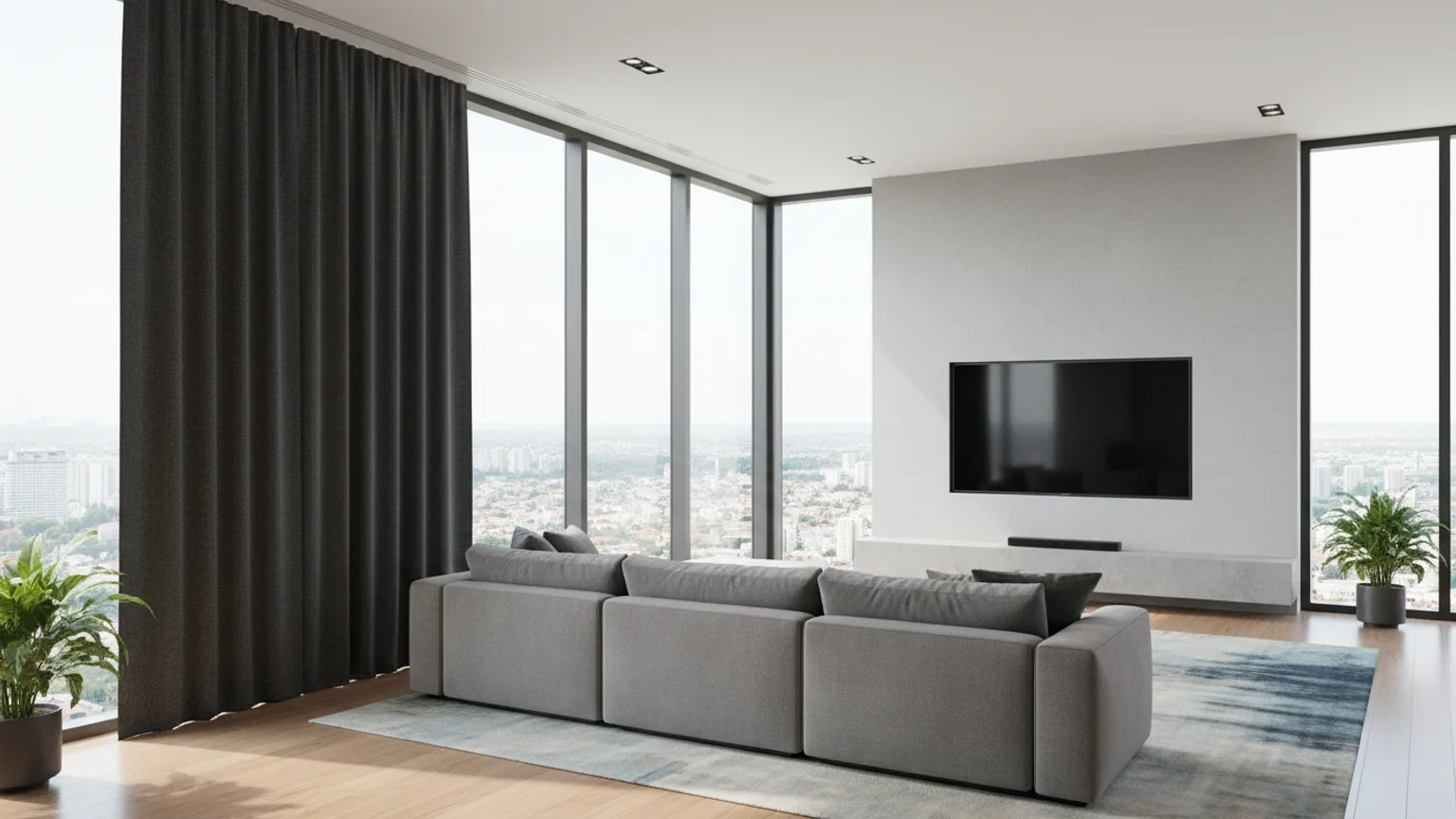
Mounting a TV near a window is possible — and in many UK living rooms it is unavoidable. The key is positioning relative to the window, not proximity. A TV on the wall at 90 degrees to a window works well. A TV directly opposite a window is difficult in bright conditions. Here is how to get it right.
The rule: avoid facing the window
The least desirable configuration is a TV mounted on the wall directly opposite a window. In this setup:
- Daylight hits the screen face-on, creating a bright wash across the image
- On a glossy screen, the window reflects as a sharp bright rectangle in the middle of the picture
- Daytime viewing becomes uncomfortable or impossible, especially on bright days
If your room has only one logical TV wall and it faces a window, there are solutions — but they require either repositioning the viewing angle or controlling the light.
The best TV positions relative to windows
| TV position vs window | Glare impact | Notes |
|---|---|---|
| Same wall as window (TV between or beside window) | Very low | Strong option — light comes from behind the viewer |
| Side wall (90° to window) | Low–medium | Good option — light falls to the side of the screen |
| Opposite the window | High | Avoid if possible — direct light onto screen face |
| Corner position | Low–medium | Depends on window direction — assess per room |
The ideal position is to mount the TV on the same wall as the window, or on the wall perpendicular to it. In both cases, the viewer faces away from the window or at 90 degrees — light falls behind or to the side, and glare is minimal.
When the TV must go opposite the window
In many UK living rooms — particularly Victorian and Edwardian terraces with a single bay window — the opposite wall is the only practical TV position. In this case, your options are:
1. Anti-reflective or matt screen
A TV with an anti-glare or matt screen coating scatters light rather than reflecting it as a sharp image. This significantly reduces the intrusion of window reflections. LG OLED panels are commonly cited for their anti-reflective coatings. If you are buying a TV for a bright room, this is worth prioritising.
2. Light-filtering blinds
Roller or venetian blinds that diffuse rather than block daylight reduce glare substantially while keeping the room bright. Full blackout is not always necessary — simply reducing the direct light intensity often makes the reflection acceptable.
3. Tilt bracket
A tilting wall bracket angled very slightly downward changes the reflection geometry — rather than the window reflecting straight back at the viewer, it reflects at a different angle that falls below eye level. This is not a complete fix but can reduce the visible impact.
4. Ambient light mode
Some premium TVs (Samsung QLED, LG OLED) have an ambient/bright room mode that increases brightness and contrast to compensate for room light. This does not eliminate glare but makes the image more watchable in bright conditions.
What about mounting the TV near (but not opposite) a window?
Mounting a TV on a side wall where there is a window on the adjacent wall is generally fine. As long as the window is not directly behind the viewer and not directly opposite the screen, glare is manageable. The exception is direct sunlight hitting the screen at an angle — west-facing windows in the late afternoon can create this. In that case, a light-filtering blind on the west-facing window during viewing hours is usually enough to manage it.
Our advice when assessing a room
On every job, we assess the room layout before recommending a position. If there is a glare risk, we will tell you before drilling. In most London homes — particularly Victorian terraces and flats — the optimal TV wall is clear from the room layout. Where it is not, we discuss the trade-offs with you and help you make the right call.
Ready to book? Get an instant estimate or call us on 077 8933 8185.