LG Specialist · Richer Sounds Approved
LG G Series
Installation
The LG G Series Gallery OLED deserves specialist installation. We fit the Zero Gap Wall Mount, handle the OLED panel with care, manage cables cleanly, and set up Filmmaker Mode — so your G Series looks exactly as LG intended. Part of our full TV installation and mounting service.
We are Richer Sounds Approved installers who regularly install the LG G Series across London and the South East — all generations from G1 through to the 2025 G5, in a wide TV-size range from 55" to 97".
About This TV
What Makes the LG G Series Different
The G Series is not a standard OLED TV. LG designed it specifically to live on your wall as gallery art — which is exactly why it needs a different kind of installation.
Why People Buy It
Designed as a Gallery Artwork
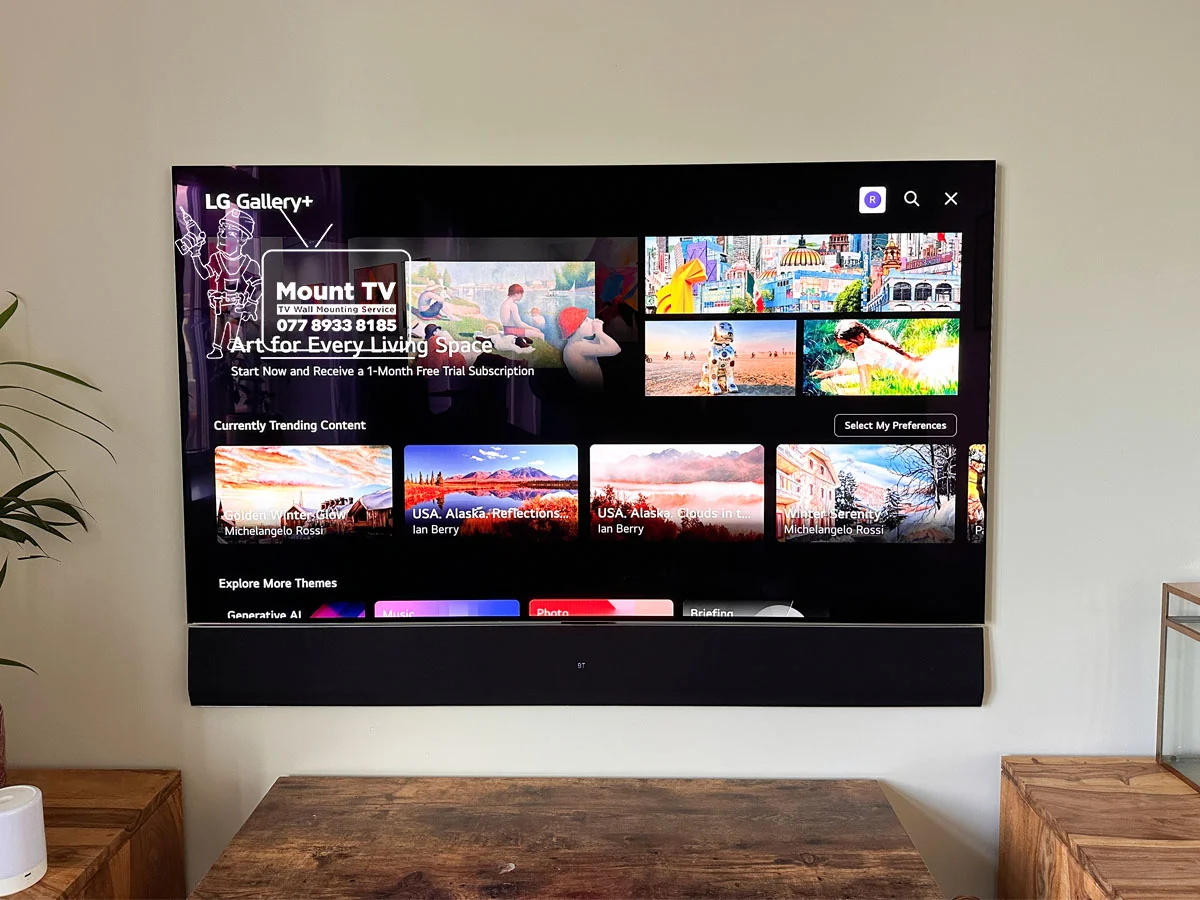
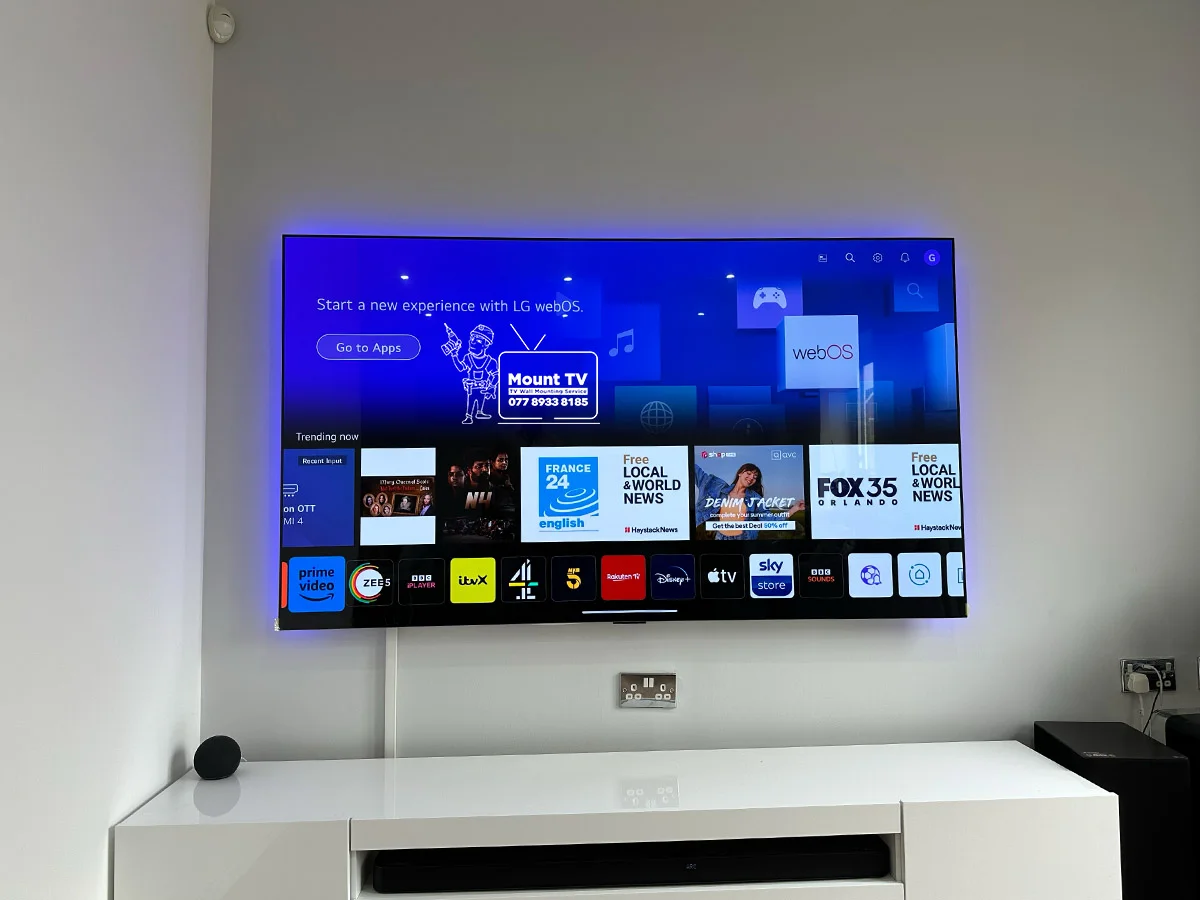
The G Series Gallery OLED is LG's flagship wall-art TV — made to sit completely flush against the wall with zero visible gap. The OLED evo panel (MLA on G3/G4, Primary RGB Tandem on G5) delivers a high-brightness, reference-grade OLED picture with no backlight, no blooming, and perfect blacks. When off, it looks like a framed canvas.
The Mounting System
LG Zero Gap Wall Mount
LG designed a proprietary Zero Gap Wall Mount that holds the G Series flush against the wall — virtually touching it (per LG's published specifications). G3, G4, and G5 models include this mount in the box. G1 and G2 require it to be purchased separately. A standard VESA bracket leaves a 40–60mm gap, destroying the gallery effect entirely.
Sizes & Weight
Available in Every Large Size
55"
~18 kg
65"
~25 kg
77"
~35 kg
83"
~48 kg
97"
~70 kg
Any
Covered
Weight affects wall fixings. We assess the wall before installation and confirm the correct fixing method for your size.
The Installation Difference
Why Standard Installation Won't Do
OLED panels are thinner and more fragile than LED or QLED screens — incorrect handling during installation can permanently damage the display. The flush mounting position also leaves almost no cable clearance at the back, so cable routing must be planned before drilling. Standard TV fitters are not trained for this.
These are the features that make the G Series unique — and exactly why standard TV installation isn't enough.
What We Do
The Full LG G Series Installation
The G Series has specific requirements a standard TV install does not cover. Here is everything we handle — as part of our professional TV mounting service.
Zero-Gap Wall Mount
The G Series is designed to sit flush against the wall — just like a framed artwork. G3, G4, and G5 models typically include LG's zero-gap mount in the box (please confirm against your specific carton), and we fit it on the day. If your model didn't come with one, either works: supply your own or ask us to source the correct kit with the cost agreed in writing first.
OLED Panel Handling
OLED panels are significantly thinner and more delicate than LED or QLED screens. Incorrect handling during installation can cause permanent screen damage. We take specific precautions — correct lifting technique, panel protection, and no pressure on the screen surface.
Cable Management
Unlike the Samsung Frame, the LG G Series has all connections at the back of the TV — with very little clearance when mounted flush. We route cables neatly behind trunking or fully in-wall so the result is clean and access-friendly if you need to change cables later.
LG Setup & Configuration
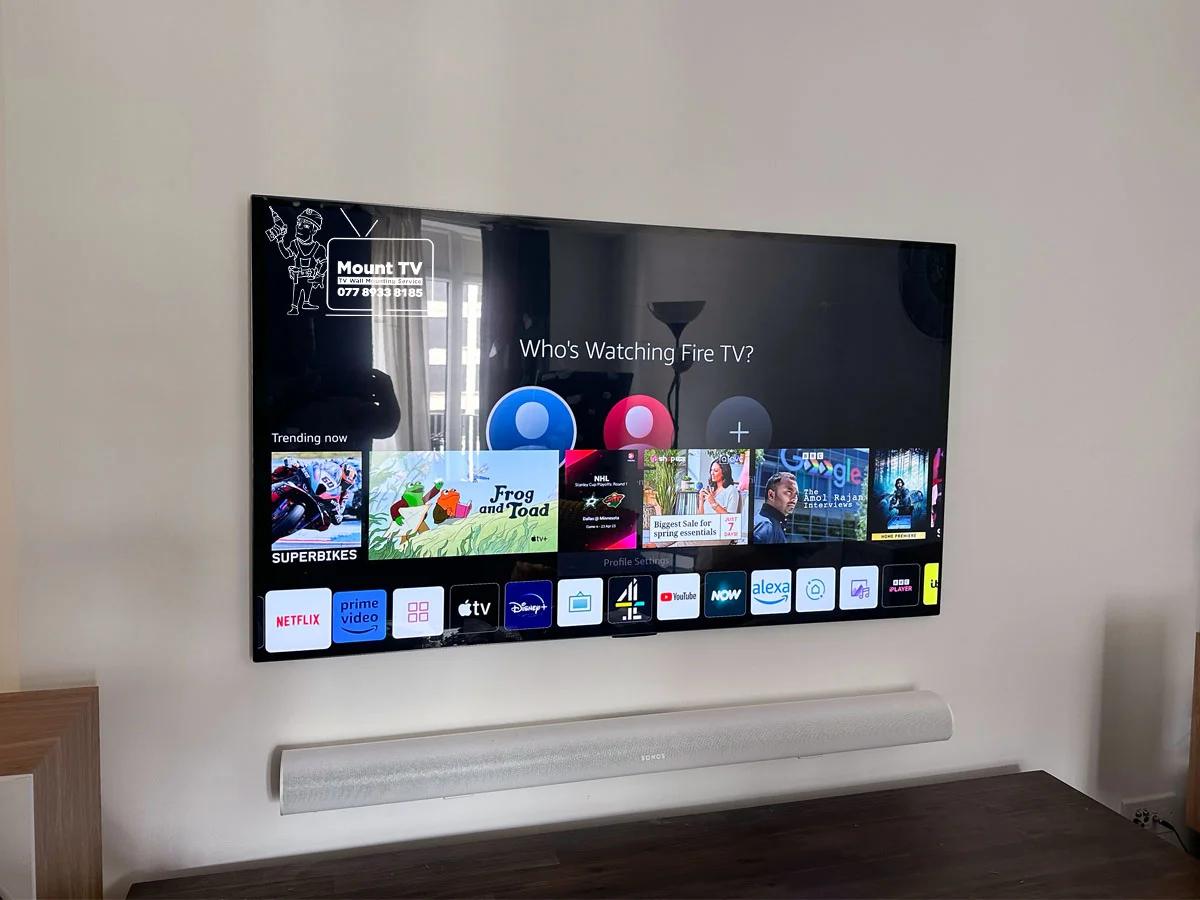
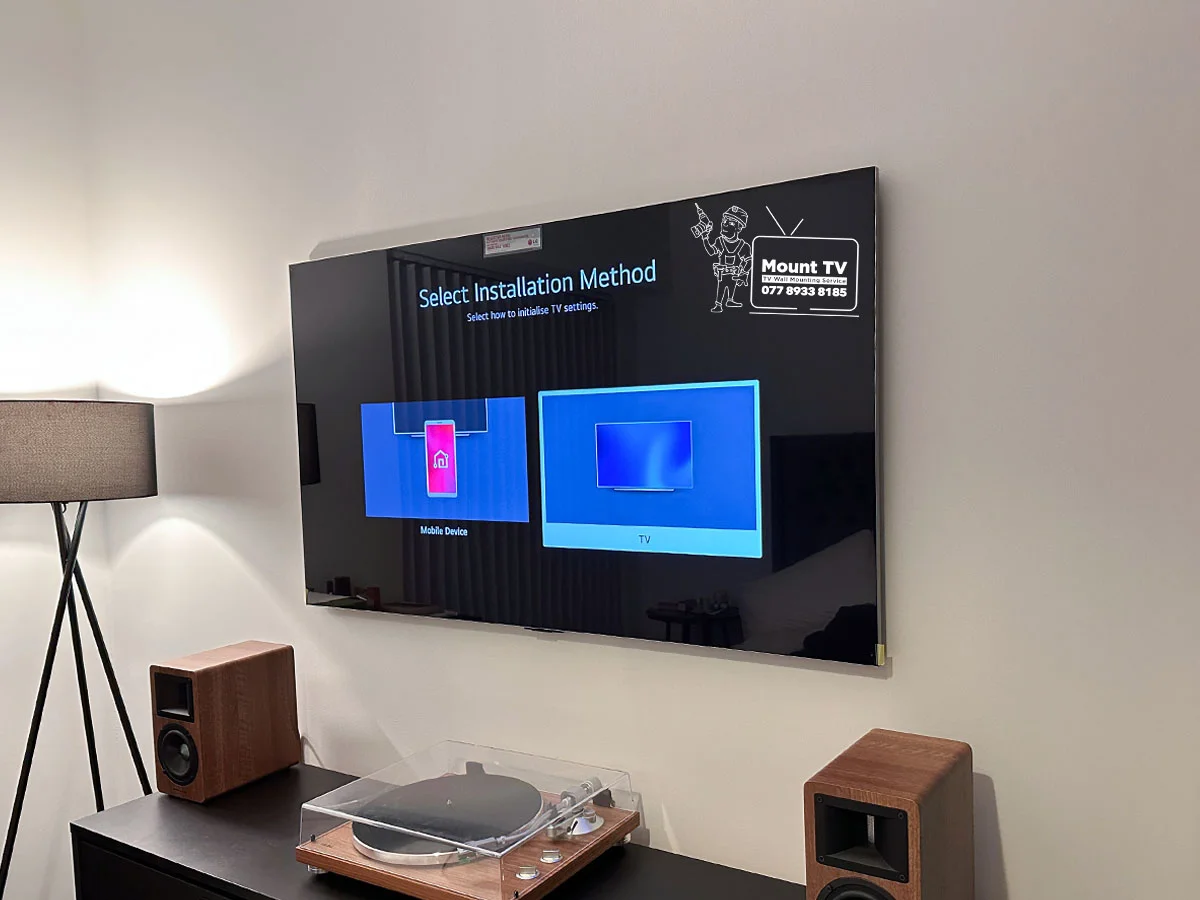
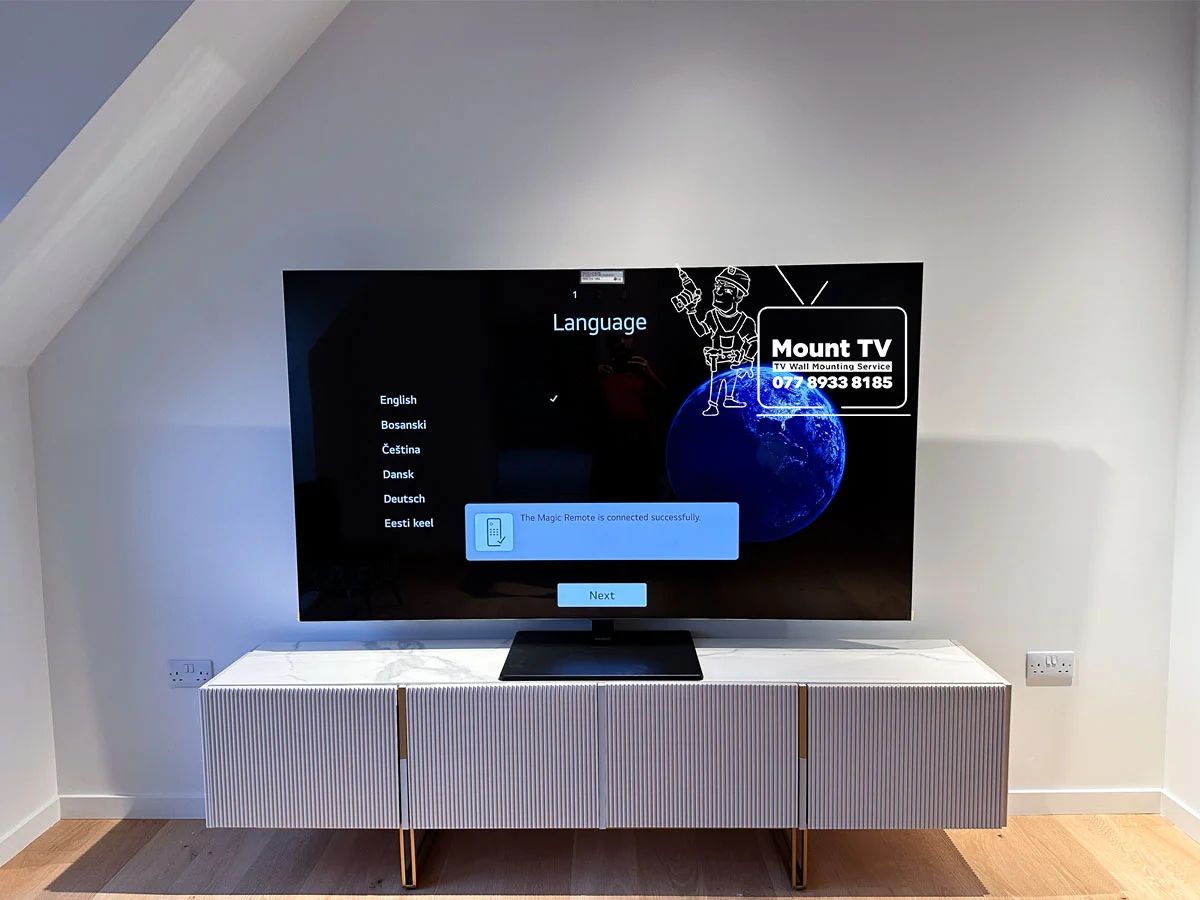
Once mounted, we configure your TV: Magic Remote pairing, Wi-Fi connection, Filmmaker Mode activation, and webOS channel/input setup. We make sure the picture is calibrated correctly for the room before we leave.
LG G Series vs Samsung Frame
Wall mount gap
LG G Series
0–5mm (flush)
Samsung Frame
10–15mm
Mount in box
LG G Series
G3 / G4 — yes
Samsung Frame
Not included
Cable system
LG G Series
All direct to TV
Samsung Frame
One Connect Box + single cable
Ambient mode
LG G Series
Screensaver / webOS
Samsung Frame
Art Mode (artwork subscription)
Portrait mode
LG G Series
Not supported
Samsung Frame
Select models
Panel type
LG G Series
OLED evo (G3/G4 MLA)
Samsung Frame
QLED / Neo QLED
Size Guide
LG G Series — All Sizes Covered
Not sure which generation you have? Check the model number on the box or the back of the TV — G1, G2, G3, or G4 will be shown. We confirm this when you get in touch.
Across Generations
How the G-Series Gallery OLED has changed
What we’ve seen change year-to-year on jobs in your area — useful when choosing between this year’s model and last year’s discounted unit.
Spec changes cross-checked against lg.com. Mount TV installer notes overlay this table on the page above.
Customer Stories
What customers say about lg g series oled installation
Real reviews from our Google Business Profile
“I can't express how thrilled I am with Mount TV Limited! They came to my rescue after AerialForce told me that it was impossible to mount my LG G3 TV with the provided mount. Mount TV Limited proved them wrong with their expertise and determination.”
Ayomide A.
“Excellent service, professional and mounted my oled TV and soundbar perfectly. I would not hesitate to contact again for any TV or sound bar mounting services in the future.”
Kenan
“Mount TV did a fantastic job. They turned up promptly and put my 75" OLED TV up quickly, efficiently and very tidy. He also made tidy work of my cables.”
Terry B.
Common Questions
LG G Series FAQ
Does the LG G Series need a special wall mount?
Yes. The LG G Series requires LG's Zero Gap Wall Mount to achieve the flush, gallery-style finish. A standard VESA bracket will technically work but leaves a visible gap between the TV and wall — which defeats the purpose of the G Series design. G3, G4, and G5 models include the Zero Gap mount in the box. G1 and G2 models require the mount to be purchased separately — we advise on this when you get your quote.
Is the LG G Series wall mount included in the box?
It depends on the generation. G3 (2023), G4 (2024), and G5 (2025) models include the Zero Gap Wall Mount in the box. G1 (2021) and G2 (2022) models do not — the mount must be purchased separately. We confirm which generation you have and advise accordingly.
Can you mount the LG G Series on a plasterboard wall?
Yes. The G Series can be mounted on plasterboard using specialist cavity fixings or stud-mounting. Due to the weight — especially on larger models — we always assess the wall first and recommend the correct fixing method. For 77" and above, a solid wall (brick or concrete) or stud-located fixing is strongly preferred.
How flush does the LG G Series sit against the wall?
With the Zero Gap Wall Mount, the LG G Series typically sits 0–5mm from the wall surface — effectively touching it. This is the closest wall-mounting gap available on any TV and gives the genuine gallery artwork appearance LG designed the G Series for.
Can you handle the OLED panel safely?
Yes — OLED panel care is something we take seriously. OLED screens are thinner and more flexible than LED panels, and applying pressure to the screen surface can cause permanent damage. We use correct lifting technique (two-person lift for 65" and above), keep the TV in its packaging until the last possible moment, and never place the screen face-down on unprotected surfaces.
Can you set up Filmmaker Mode and the Magic Remote?
Yes. Once the TV is mounted and connected, we pair the Magic Remote, connect to your Wi-Fi, set up webOS, and activate Filmmaker Mode. We also configure picture settings for the room so the panel looks its best from the moment we leave.
Also Consider
Complete Your LG Setup
Cable Hiding Service
Route all cables fully behind the plasterboard wall — the only way to achieve the completely clean finish the G Series was designed for.
Soundbar Installation
Wall-mount your LG soundbar directly below the G Series for a seamless, gallery-style audio and visual setup.
Richer Sounds customer? See our Richer Sounds approved installer page →
Ready to Install Your
LG G Series?
Get a free estimate in 60 seconds. We cover London and the South East, 7 days a week.
See pricing · Full TV mounting service →
7 days a week · Richer Sounds Approved · Fully insured