
Samsung Specialist · Wireless One Connect · Neo QLED Mini-LED
Samsung Frame Pro Installation
The Samsung Frame Pro takes the art-TV concept further with a Neo QLED Mini-LED panel and a wireless One Connect Box. We fit the included flush Slim Fit mount, place the wireless box, hide the single power cable, and configure Art Mode. Part of our full TV installation and mounting service across London.
Richer Sounds Approved — installing the current Frame Pro lineup, sizes 55" to 85".
About This TV
What Makes the Frame Pro Different
The Frame Pro is Samsung's premium art-TV — brighter than the standard Frame and with a wireless connection that eliminates the optical cable entirely.
Why People Buy It
The Ultimate Art-TV
The Frame Pro builds on everything the standard Frame does — Art Mode, customisable bezels, gallery-style flush mount — but adds a significantly brighter Neo QLED Mini-LED panel. Artwork and content look dramatically better in well-lit rooms. The wireless One Connect Box means zero cables visible on the wall.
The Wireless Breakthrough
Wireless One Connect Box
The standard Frame uses a transparent optical cable to connect to its One Connect Box. The Frame Pro replaces this with a wireless connection — the box communicates with the TV over a dedicated wireless link. All HDMI, USB, and antenna inputs plug into the box, which can sit anywhere in the room. The only cable to the TV is power.
Sizes & Weight
All Frame Pro Sizes
55"
~19 kg
65"
~24 kg
75"
~33 kg
85"
~47 kg
Slightly heavier than the standard Frame due to the Mini-LED backlight. We verify wall fixings for your size and wall type.
The Installation Difference
Simpler Cable Run, Smarter Setup
The wireless One Connect Box changes the installation entirely. There is no optical cable to route — just a single power cable to the TV. But the wireless box needs correct placement for a reliable signal, and the Slim Fit mount (included in the box) must be fitted precisely for the flush gallery effect. We handle both.
The Frame Pro is the cleanest wall-mounted TV Samsung has ever made — and it needs the installation to match.
What We Do
The Full Frame Pro Installation
The Frame Pro deserves more than a standard bracket job. Here is everything we handle — as part of our professional TV mounting service.
Slim Fit Flush Mount
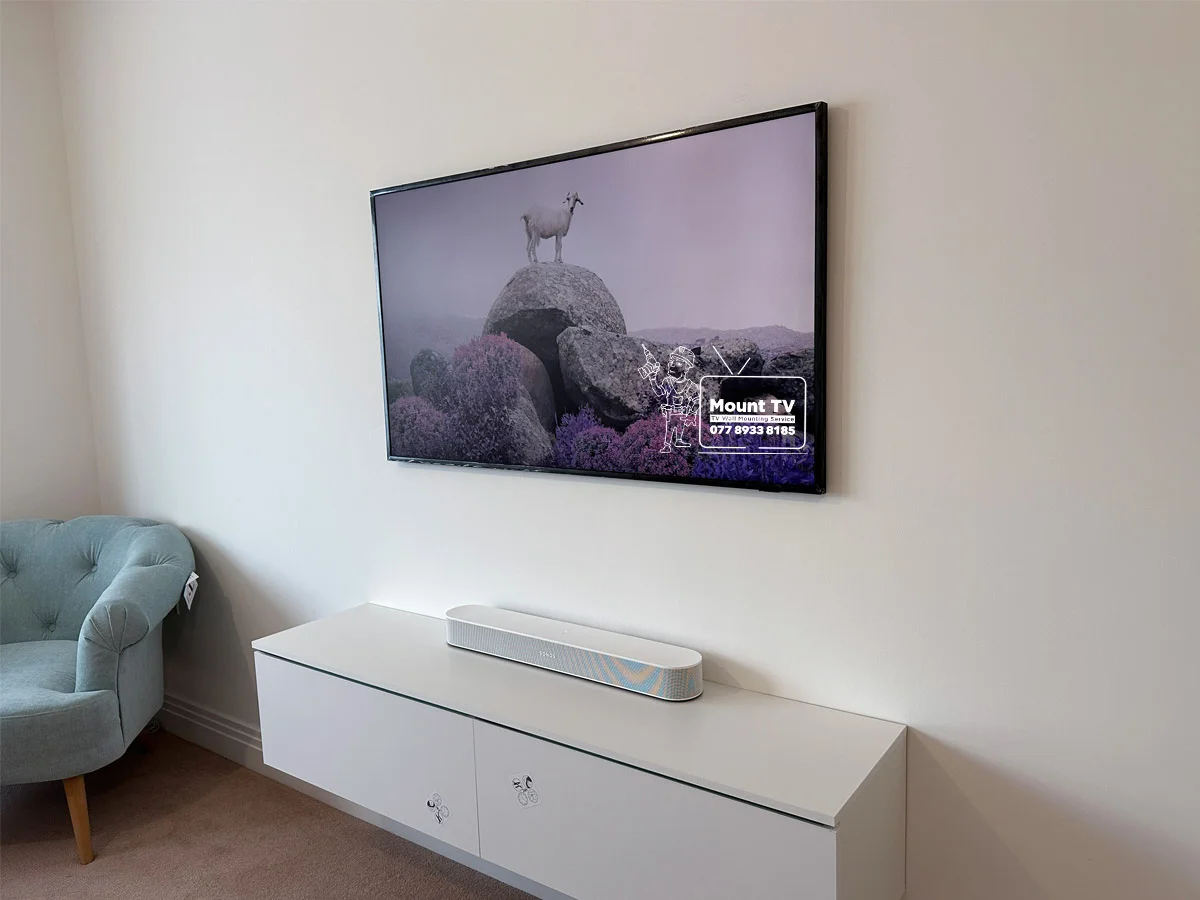
The Frame Pro includes Samsung's Slim Fit Wall Mount in the box. We fit it precisely for your wall type — brick, plasterboard, or concrete — ensuring the TV sits perfectly flush like a framed painting.
Wireless One Connect Setup
The Frame Pro's wireless One Connect Box is placed wherever suits your room — in a media cabinet, on a shelf, or behind furniture. We position it for optimal wireless signal and connect all your HDMI devices to it.
Single Power Cable Hiding
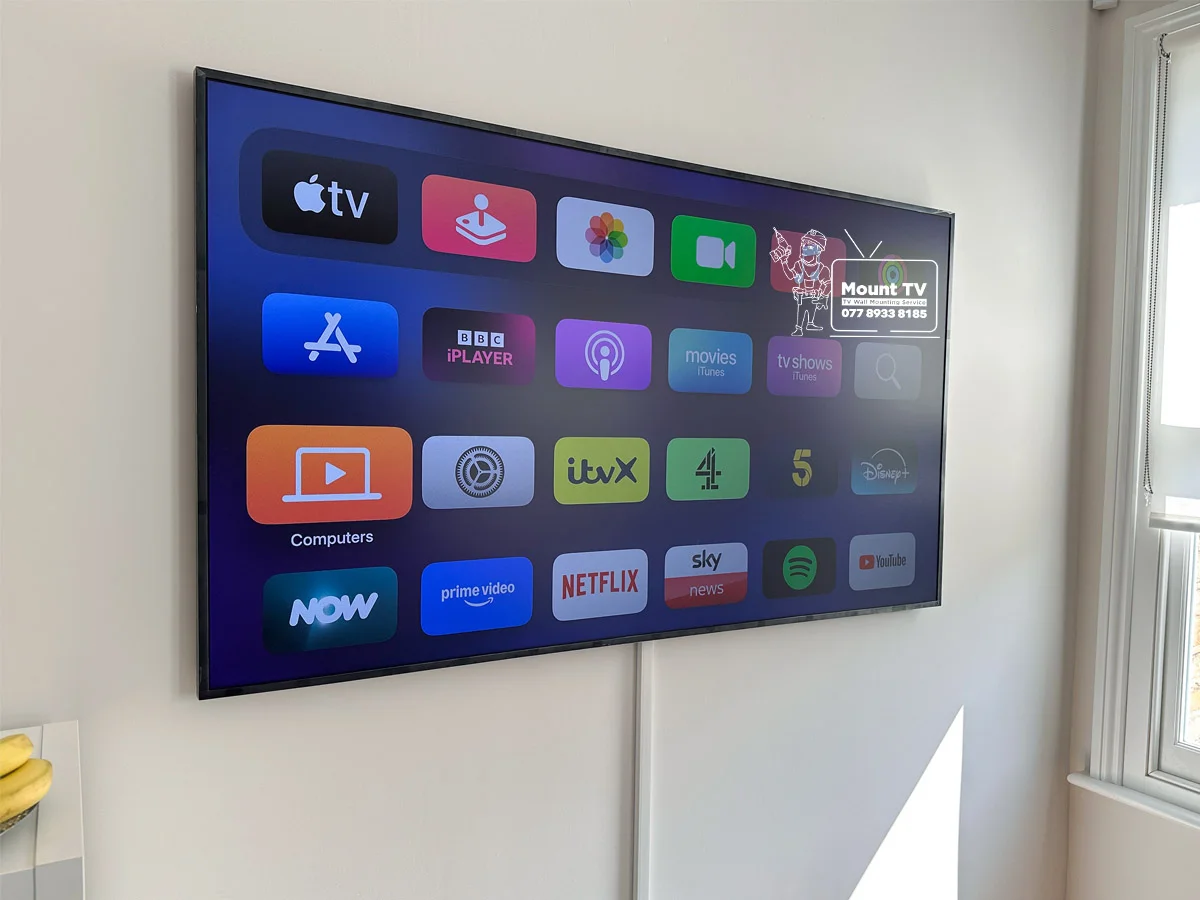
With no optical cable needed, the Frame Pro only has one power cable to hide. We route it behind the plasterboard wall or through surface trunking for a completely cable-free appearance.
Art Mode & Smart Setup
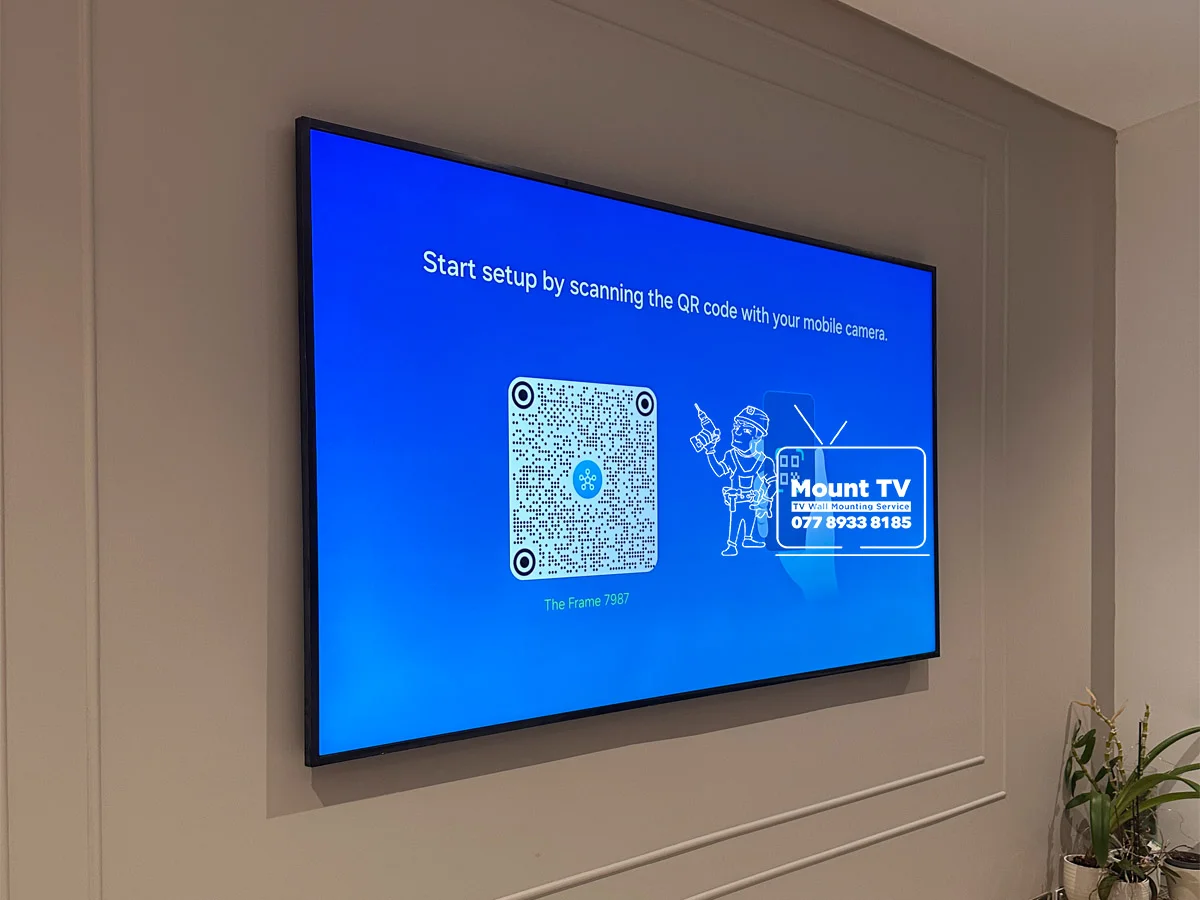
We activate Art Mode, connect your Samsung account, configure the motion sensor, and set up Wi-Fi. The brighter Mini-LED panel makes artwork look more vivid — we adjust display settings to get the best gallery effect.
Size Guide
Samsung Frame Pro — All Sizes Covered
Common Questions
Samsung Frame Pro FAQ
How is the Frame Pro different from the standard Frame?
The Samsung Frame Pro has two major upgrades: a Neo QLED Mini-LED panel (significantly brighter than the standard Frame's QLED panel) and a wireless One Connect Box. The wireless box means the TV only needs a single power cable — no optical cable runs to a separate box. This makes wall mounting much cleaner and eliminates the need for in-wall cable routing to the One Connect Box.
Does the Samsung Frame Pro still need any cables?
Yes — the Frame Pro still requires a single power cable to the TV itself. However, the One Connect Box communicates wirelessly with the TV, so there is no optical cable to route between the two. The One Connect Box needs its own power outlet wherever you place it (typically in a media cabinet or behind furniture). We route the TV power cable cleanly behind the plasterboard wall or through surface trunking.
What bracket does the Samsung Frame Pro use?
The Samsung Frame Pro uses Samsung's Slim Fit Wall Mount, which sits the TV flush against the wall — just like a picture frame. This mount is included in the box. It uses a different mounting mechanism from the standard Frame's No-Gap mount, and we ensure it is fitted correctly for your wall type.
Can you set up Art Mode on the Samsung Frame Pro?
Yes. The Frame Pro runs the same Art Mode as the standard Frame — with access to Samsung's Art Store featuring 2,500+ artworks. The Neo QLED Mini-LED panel displays artwork significantly brighter and with better contrast than the standard Frame, making the art effect more convincing. We configure Art Mode, Wi-Fi, and the motion sensor during installation.
Is the Frame Pro heavier than the standard Frame?
The Frame Pro is slightly heavier due to the Mini-LED backlight system. The 65" model weighs approximately 24 kg compared to 22 kg for the standard 65" Frame. This is well within the capacity of standard wall fixings, but we verify the correct fixing method for your wall type and size.
Also Consider
Complete Your Frame Pro Setup
Cable Hiding Service
Route the single power cable fully behind the plasterboard wall — cleanly concealed from the front. The ultimate cable-free gallery finish.
Soundbar Installation
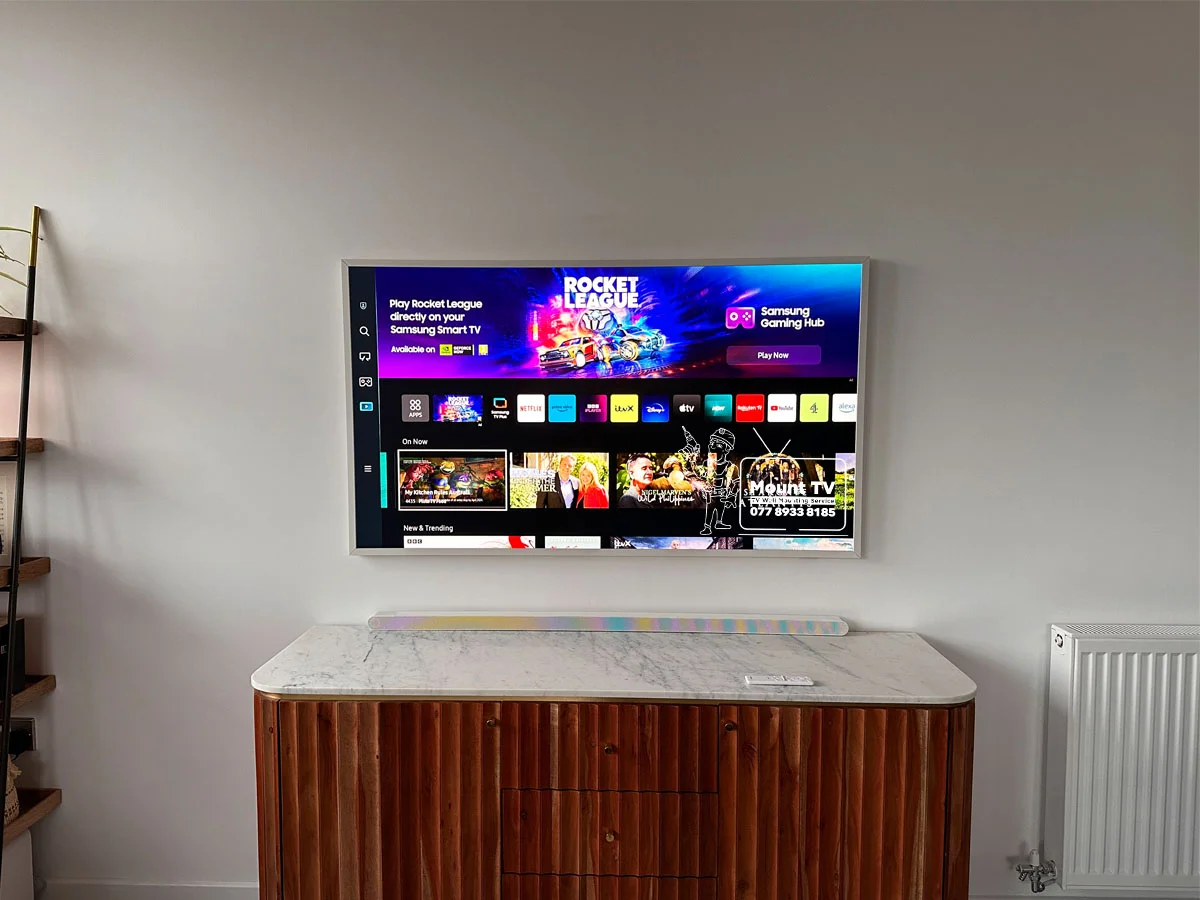
Wall-mount a Samsung soundbar below your Frame Pro for a cinema-grade audio setup that matches the gallery aesthetic.
Richer Sounds customer? See our Richer Sounds approved installer page →
Ready to Install
Your Frame Pro?
Get a free estimate in 60 seconds. We cover London and the South East, 7 days a week.
7 days a week · Richer Sounds Approved · Fully insured