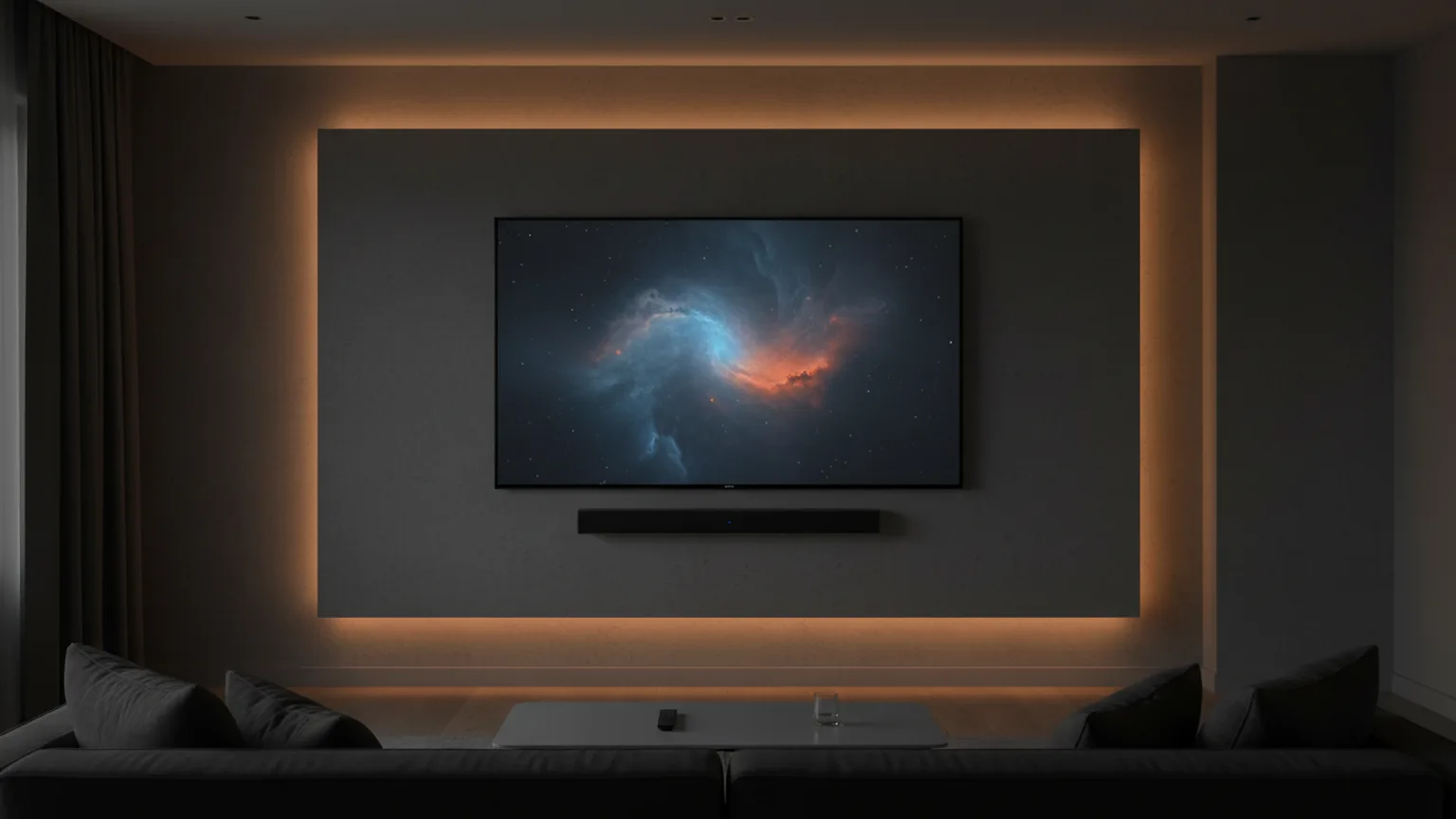
Wall-mounting a soundbar alongside a wall-mounted TV gives a clean, professional look — no soundbar on a stand, no cables trailing across furniture. The key decisions are: position (above or below the TV), bracket type, and how you manage the cable between soundbar and TV. Here is everything you need to know.
Above or below the TV?
Below, in most cases. Soundbars are designed to project sound forward and outward at roughly ear level. Mounted below a wall-mounted TV, the soundbar faces the listening position directly. Mounted above the TV, the soundbar fires sound upward and over the heads of people seated below.
The only exception: if your TV is mounted very low (bottom of screen near the floor), there may not be enough wall space below the TV. In that case, mounting the soundbar above is preferable to placing it on the floor.
How far below the TV?
Aim for a gap of 10–15cmbetween the bottom of the TV and the top of the soundbar. This looks proportional and prevents the soundbar from obstructing the TV's IR sensor (which receives remote control signals). Some people prefer to align the soundbar more closely — a 5cm gap is fine if the TV's IR sensor is not on the bottom edge.
Before drilling soundbar holes, confirm the final TV height first. Drill the TV bracket position, then measure down to establish the soundbar position. Never drill both at the same time before confirming the TV height — you risk an awkward gap if the TV ends up repositioned.
Bracket options
1. TV bracket with integral soundbar shelf
Many full-motion and some fixed TV brackets include a horizontal bar or shelf attachment at the bottom of the bracket. The soundbar clips or rests on this shelf. This is the cleanest solution as both TV and soundbar mount from the same fixing points. The gap between TV and soundbar is fixed by the bracket design — check this matches your preference before buying.
2. Manufacturer-supplied soundbar bracket
Most major soundbar brands (Samsung, Sonos, Bose, Sony, LG) supply a wall bracket with the soundbar or sell one as an accessory. These are designed for the exact model and include the correct screw positions and support points. Using the manufacturer bracket is the safest option as it is rated for the specific soundbar weight.
3. Universal soundbar wall bracket
Universal brackets accommodate most soundbar widths and depths via adjustable clips. These are widely available online (typically £10–25). Check the weight rating and the maximum soundbar width before buying.
Cable management — the critical step
A wall-mounted TV and soundbar with cables trailing down the wall defeats the purpose of mounting either. There are three approaches, from least to most involved:
Trunking
A single trunking channel runs from the TV and soundbar position down the wall to the nearest socket and input. Both the TV power cable, HDMI/optical soundbar cable, and any other connections run inside the trunking. One trunking channel can accommodate multiple cables. The result is clean — a neat plastic channel running down the wall rather than loose cables. This is the approach we typically recommend for soundbar installations.
Behind-wall routing
Both TV and soundbar cables are fed through the wall cavity and emerge at a double wall plate — one plate at the TV/soundbar position, one plate at the socket and equipment level. All cables are invisible. This is the cleanest result and what we typically install when customers want a fully concealed cable run. The soundbar HDMI ARC or optical cable runs alongside the TV HDMI cables through the same channel.
Adhesive cable guides
Small adhesive channels that stick to the wall and guide cables in a straight line. Less professional-looking than trunking but non-invasive and fully reversible — suitable for rented properties. Ensure the adhesive is adequate for the cable weight before relying on it.
Connection types to be aware of
The connection between your TV and soundbar affects cable length requirements:
- HDMI ARC / eARC — best quality, single cable, connects TV HDMI ARC port to soundbar HDMI port. Cable is short if both are on the same wall.
- Optical (Toslink) — reliable, slightly older standard. Short cable between TV optical out and soundbar optical in. Fragile connector — route carefully in trunking.
- Bluetooth — wireless, no cable needed between TV and soundbar. Cable management is only needed for the soundbar power supply.
We include soundbar installation
We wall-mount soundbars alongside TV installations as standard — no need to book separately. Whether you need the soundbar mounted at the same time as the TV or added to an existing installation, if you’d like a soundbar bracket added to your booking we’ll bring the right one on the day, or we’ll fit one you’ve supplied; we connect the soundbar and manage the cables in the same visit. See our soundbar installation service for pricing.