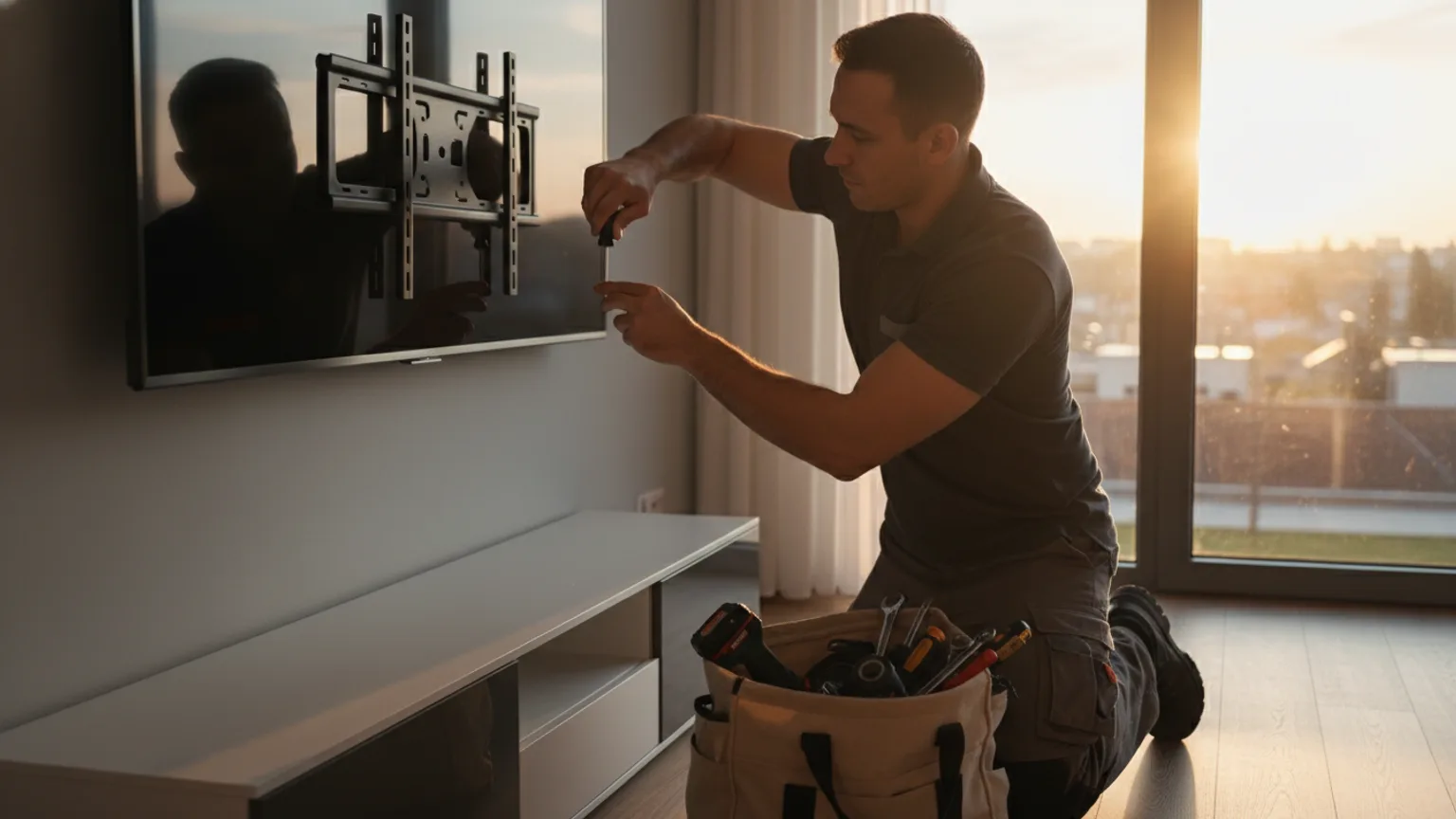
It takes 45–90 minutes to mount a TV professionally on a prepared wall. Most single-TV installations are complete in around 60 minutes. The biggest variable is cable management — surface trunking adds little time, while behind-wall cable routing adds 30–60 minutes.
Time estimates by job type
The table below shows realistic time ranges for common TV mounting scenarios. These assume the installer brings all necessary tools and fixings.
| Job type | Estimated time | Notes |
|---|---|---|
| Standard mount, solid wall, trunking | 45–60 min | Most common residential job |
| Standard mount, plasterboard, trunking | 50–70 min | Cavity fixing adds a few minutes |
| Standard mount, behind-wall cables | 75–120 min | Cable routing through wall adds significant time |
| Chimney breast mount with cables routed | 90–120 min | Solid brick, cable routing down through breast |
| Above-fireplace mount with tilt bracket | 60–90 min | Access and positioning take more care |
| Dual screen installation, office | 90–150 min | Alignment, cabling, two screens to position |
| Large-format commercial display (75"+) | 60–90 min | Heavy bracket, two-person job |
| Remount (TV already on wall, reposition) | 30–60 min | Fastest job — bracket partially in place |
What affects installation time most
1. Cable management method
This is the single biggest factor. Surface cable trunking — a neat plastic channel that clips to the wall — adds around 10–15 minutes to a standard job and produces a clean, professional result. Behind-wall cable routing — where cables are fed through the wall cavity and exit via a wall plate — can add 30–60 minutes depending on the wall type, the route length, and whether there are any obstacles.
2. Wall type
Solid brick requires SDS drilling, which takes slightly longer than drilling into plasterboard but is very straightforward for an experienced installer. Plasterboard drills quickly but requires more careful positioning of cavity fixings. Concrete is the slowest to drill — add 10–20 minutes on concrete walls. Chimney breasts (solid brick, often with a narrow cavity) are a standard job for experienced installers and add no significant time.
3. Bracket type
Fixed (flat) brackets are the fastest to install. Tilting brackets take a few minutes longer due to the adjustment mechanism. Full-motion (articulating) brackets are the most complex — more fixing points, heavier bracket — and add around 15–20 minutes over a flat bracket.
4. TV size and weight
Very large TVs (75"+) require two people to lift safely and position accurately on the bracket. This adds a small amount of time but is the safe and correct approach. We bring a second pair of hands for larger screens.
5. Wall assessment and advice
We assess the wall before drilling on every job — checking for pipes, cables, and stud positions. This takes 5–10 minutes and is part of our standard process. It is the step most DIY installers skip, and the step most likely to cause an expensive problem if missed.
How to help your installation go smoothly
A few things you can do before the installer arrives that save time:
- Clear the wall area — move any furniture, frames, or decorations
- Know roughly where you want the TV — having a firm decision saves back-and-forth discussion
- Have your TV box accessible — if the TV needs to be unboxed, allow an extra 10 minutes
- Know where your TV's devices (Sky box, console, streaming stick) will go — this affects cable routing decisions
Same-day and next-day bookings
Because a standard job takes under 90 minutes, we can often fit same-day bookings when a slot opens up. Next-day appointments are available across all London postcodes. Call us on +447789338185 or use our instant quote form to check availability.