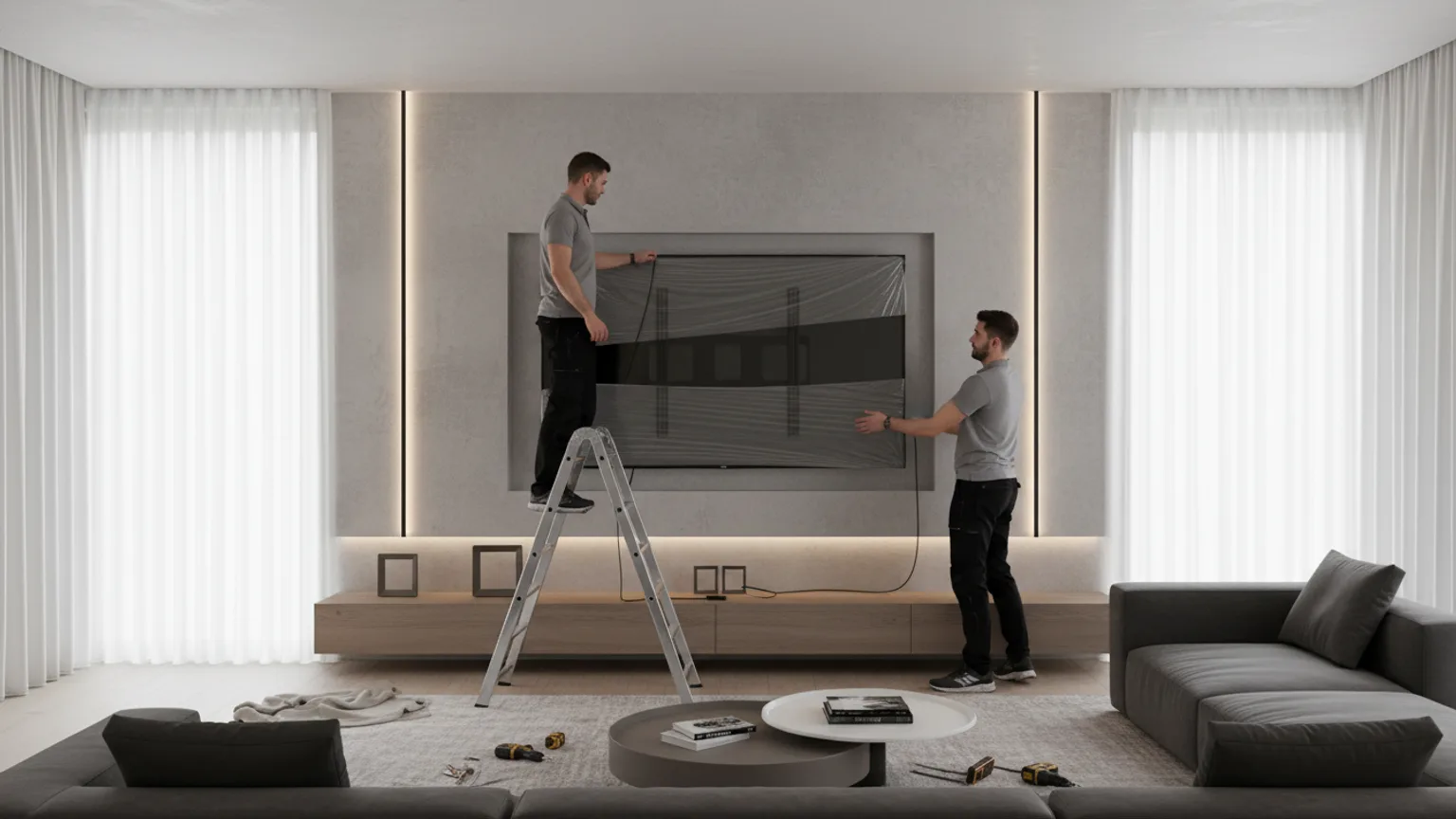
A 100-inch TV is a different category of installation from anything below 85-inch. The weight crosses the threshold where standard plasterboard cavity anchors stop being viable, the panel is wide enough that handling solo is dangerous regardless of weight, and the bracket and fixings move into commercial-display territory. This guide covers what changes at 100-inch, and what to plan for before you order.
Weight: 50–80kg, varies wildly by model
The 100-inch consumer TV market is small but growing. Samsung, Hisense, TCL, and LG all make panels at 98 or 100-inch, with weights spanning a wide range:
- Hisense 100U7N (QLED) — approximately 55kg without stand
- TCL 98P745 — approximately 60kg without stand
- Samsung 98QN90A (Neo QLED) — approximately 65kg without stand
- LG 98UR9000 — approximately 60kg without stand
- Sony or Samsung commercial 98–100-inch — 70–85kg
Always check the “weight without stand” figure on the manufacturer's spec sheet for your exact model. Choose a bracket rated for 1.5× the actual weight, minimum.
Wall: solid brick, concrete, or sound dot-and-dab only
We do not recommend permanent 100-inch installation on plasterboard with stud alignment alone, and we do not recommend it on metal stud at all. The combined static load and dynamic forces (vibration from audio, slight panel flex over time) demand a wall that gives a consistent, predictable hold across all four to six fixing points.
- Solid brick (cavity wall, internal leaf) — Use M10 or M12 sleeve anchors at all fixing points. 60mm minimum embedment. The standard recommendation for 100-inch installation.
- Concrete — Same approach as brick. Concrete is generally easier to drill cleanly but harder. SDS drill required.
- Dot-and-dab (plasterboard on brick) — Workable if the masonry behind is sound. Use long sleeve anchors that pass through the plasterboard and engage 60mm into the brick. See our dot-and-dab wall mounting guide for technique.
- Plasterboard on stud (no masonry behind) — Not recommended for permanent 100-inch install. The load and leverage exceed what cavity fixings or stud screws can hold reliably long-term.
VESA: most brackets stop short
A common surprise on 100-inch installations is that a heavy-duty bracket rated to 75kg may still not physically fit the TV — because its fixing pattern only goes up to 600×400 or 700×400. 100-inch VESA patterns are usually 800×400, 800×500, or 800×600.
Brackets that explicitly support 800×600 and 75kg+ are a smaller market: Vogel's THIN 595, Sanus VLT16, B-Tech BT8210, and a handful of commercial display mounts. Confirm both the VESA pattern and the load rating before ordering — and double-check both numbers against your specific TV model, not the brochure photo of the brand.
Handling: three-person job
A 100-inch panel is roughly 220cm wide and 130cm tall. Two people can carry the weight (60–70kg split between them is manageable for short distances) but cannot reliably control a panel that wide while attaching it to a wall-mounted bracket. Manufacturers generally recommend three-person installation for 98-inch and above.
The third person sits at the centre of the panel during the lift onto the bracket — guiding the VESA holes onto the bracket plate while the two end-handlers stabilise. Once seated and the locking bolts are in, the third person can step away. Our team attends as a two-person crew by default for any large TV install and arranges a third team member for confirmed 100-inch jobs.
Cables and electrical: plan ahead
A 100-inch TV typically wants 1.5–2.0m of HDMI cable run from source devices, a power outlet within 1.5m of the centre of the panel, and often an Ethernet drop for stable streaming at high bitrates. We recommend planning the cable approach at the same time as the mount itself:
- Behind-wall concealment — Possible on plasterboard or dot-and-dab. On solid brick or concrete walls, behind-wall is invasive and usually not recommended unless the wall is being rebuilt or chased.
- D-line or cable trunking — Clean, fast, and reversible. Painted to match the wall, it disappears at viewing distance.
- Dedicated power socket — A 100-inch TV draws meaningful power (typically 250–400W in normal use). A dedicated 13A socket directly behind the panel is the cleanest solution. We can arrange this with our partner electricians where required.
Pricing and booking
A 100-inch installation is priced as a custom job — outside the tier system on our pricing page. The variables are:
- Wall type and access
- Whether you have the bracket or want us to supply one
- Cable management approach
- Number of installers required (usually three)
- Whether electrical works are needed
To get a fixed quote, send us the TV model, your wall type if known, and a photo of the room and the planned position. We will reply with a fixed price and lead time. Use the contact form or Call Us directly.
For TVs in the 65–85-inch range, see our large TV mounting service and 75-inch installation guide.