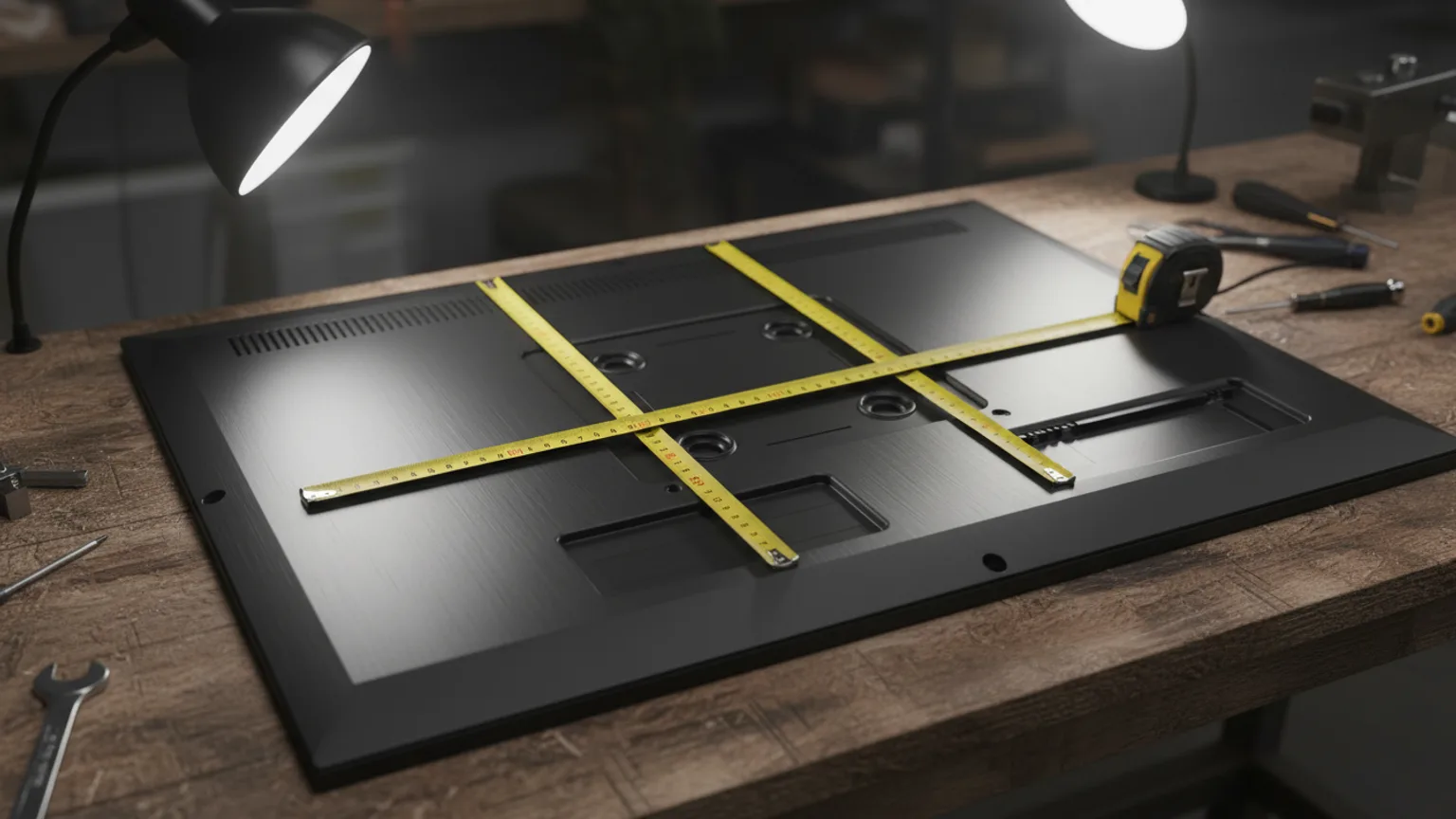
VESA is the standard mounting hole pattern on the back of your TV. Your wall bracket must match this pattern to fit correctly. Most modern TVs use standard patterns, and most brackets support multiple sizes — but confirming compatibility before buying a bracket is essential. Here is everything you need to know in a few minutes.
What is VESA?
VESA stands for Video Electronics Standards Association — an industry body that sets standards for display technology. The VESA mounting standard (FDMI — Flat Display Mounting Interface) defines a grid of four threaded holes on the back of a display. The holes are positioned symmetrically and the distance between them (measured centre-to-centre) defines the VESA pattern.
A VESA pattern is always expressed as width × height in millimetres. For example, VESA 400×400 means the four holes are arranged in a 400mm wide × 400mm high square. VESA 600×400 means the holes are in a rectangle, 600mm wide and 400mm tall.
Common VESA patterns by TV size
| TV size | Common VESA patterns | Notes |
|---|---|---|
| 32–43" | 200×100, 200×200, 300×200 | Smaller patterns — most standard brackets support these |
| 43–55" | 300×300, 400×300, 400×400 | 400×400 is the most common pattern in this size range |
| 55–65" | 400×400, 600×400 | 400×400 most common; some 65" TVs use 600×400 |
| 65–75" | 600×400, 800×400 | Larger patterns — check your specific model |
| 75–85" | 800×400, 900×600, 1000×600 | Heavy-duty brackets required; always check spec sheet |
| 85"+ | 1000×600, varies | Commercial brackets; manufacturer spec essential |
These are the most common patterns — not universal. Always verify against your specific TV model's specifications. Two 65-inch TVs from different manufacturers can have different VESA patterns.
How to find your TV's VESA pattern
There are three ways:
- User manual — the VESA pattern is listed in the wall mounting or installation section, usually on the last few pages. Look for a specification table with "VESA mounting pattern" or similar.
- Manufacturer website — search for your TV model number on the manufacturer's support pages. The full specifications list will include the VESA pattern.
- Measure it yourself — lay the TV face-down on a soft surface. Locate the four threaded mounting holes on the back. Measure the horizontal distance between the left and right hole centres, and the vertical distance between the top and bottom hole centres. That is your VESA pattern in mm.
What does your bracket need to support?
When selecting a wall bracket, check:
- VESA compatibility — the bracket must list your TV's VESA pattern as supported. Most brackets support a range (e.g. 200×200 to 600×400).
- Maximum weight rating — the bracket's stated maximum load must exceed your TV's weight (listed in the TV specifications).
- Screen size range — brackets state the screen size range they are designed for. Ensure your TV size is within this range.
When VESA patterns cause problems
The most common issue is a TV with a non-standard VESA pattern — this is more common in budget brands where the hole positions are slightly off-standard. In these cases, a VESA adapter plate can solve the problem.
Samsung Frame TV is a well-known example of a TV that benefits from a brand-specific bracket. The standard VESA pattern is there, so any standard bracket fits — but Samsung's No-Gap Wall Mount is engineered to bring the Frame TV flush to the wall. A standard bracket will mount it safely but typically leaves a noticeable gap from the wall. If you own a Frame TV and want the flush look, the No-Gap bracket is the solution. See our Samsung Frame TV installation guide.
We handle VESA verification on every job
When you book with us, you do not need to worry about VESA. We ask for your TV model when quoting, verify the VESA pattern, and bring the correct bracket on the day. If you already have a bracket, we confirm compatibility before mounting. Get an instant estimate — 60 seconds, no obligation.